See It in Action
The Rachayita AI Labs extension integrates directly into your browser
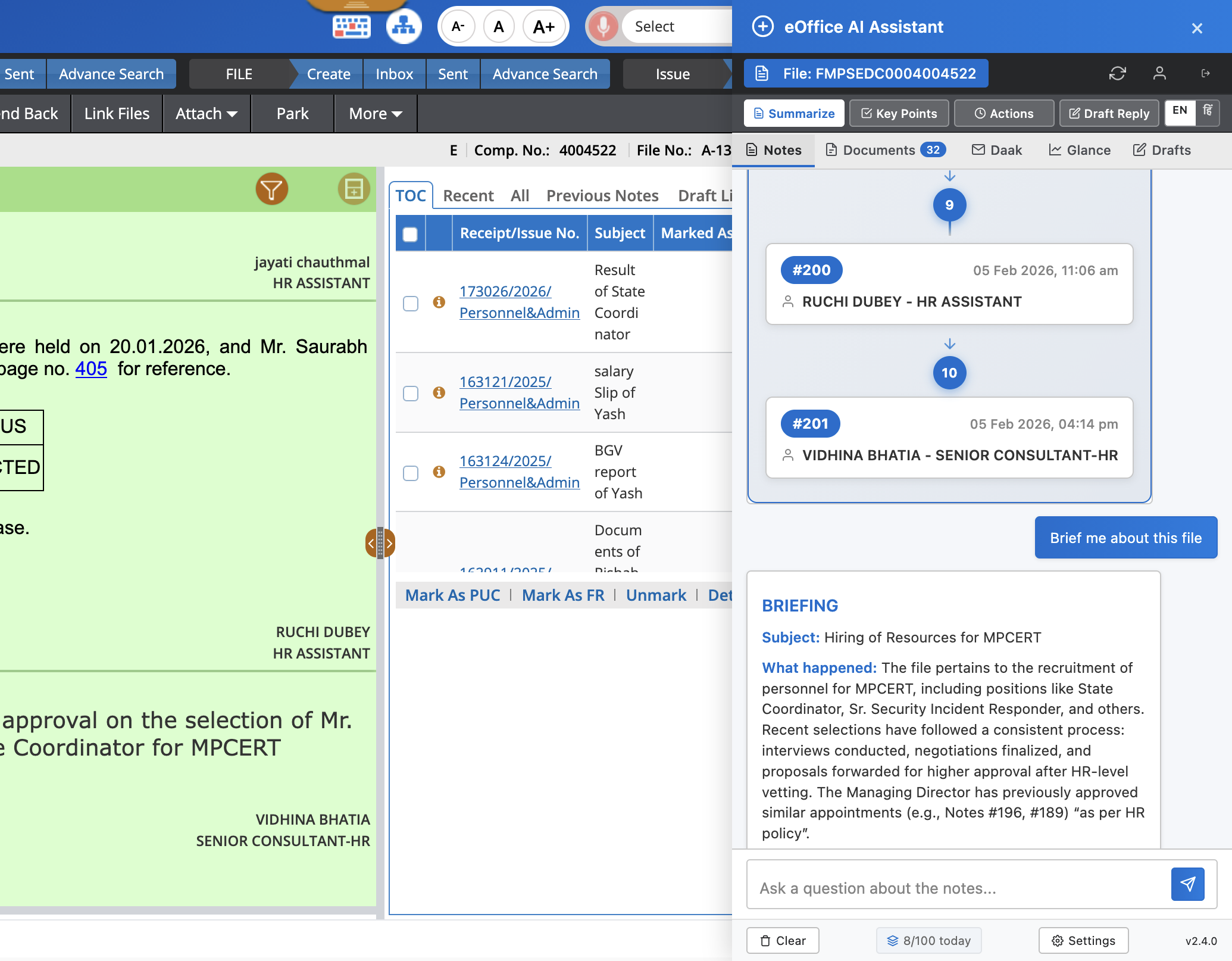
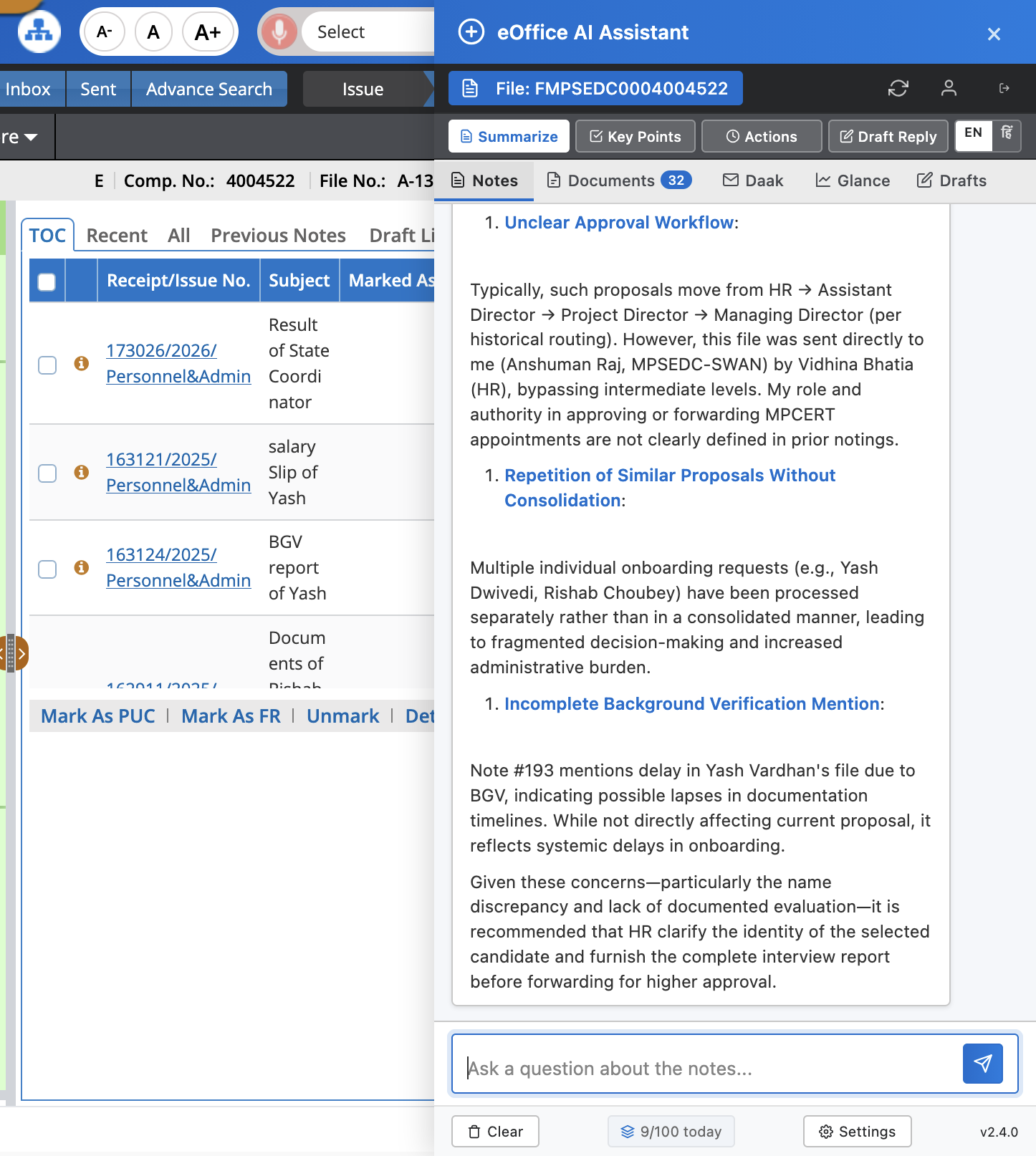
AI Approval Workflow Analysis
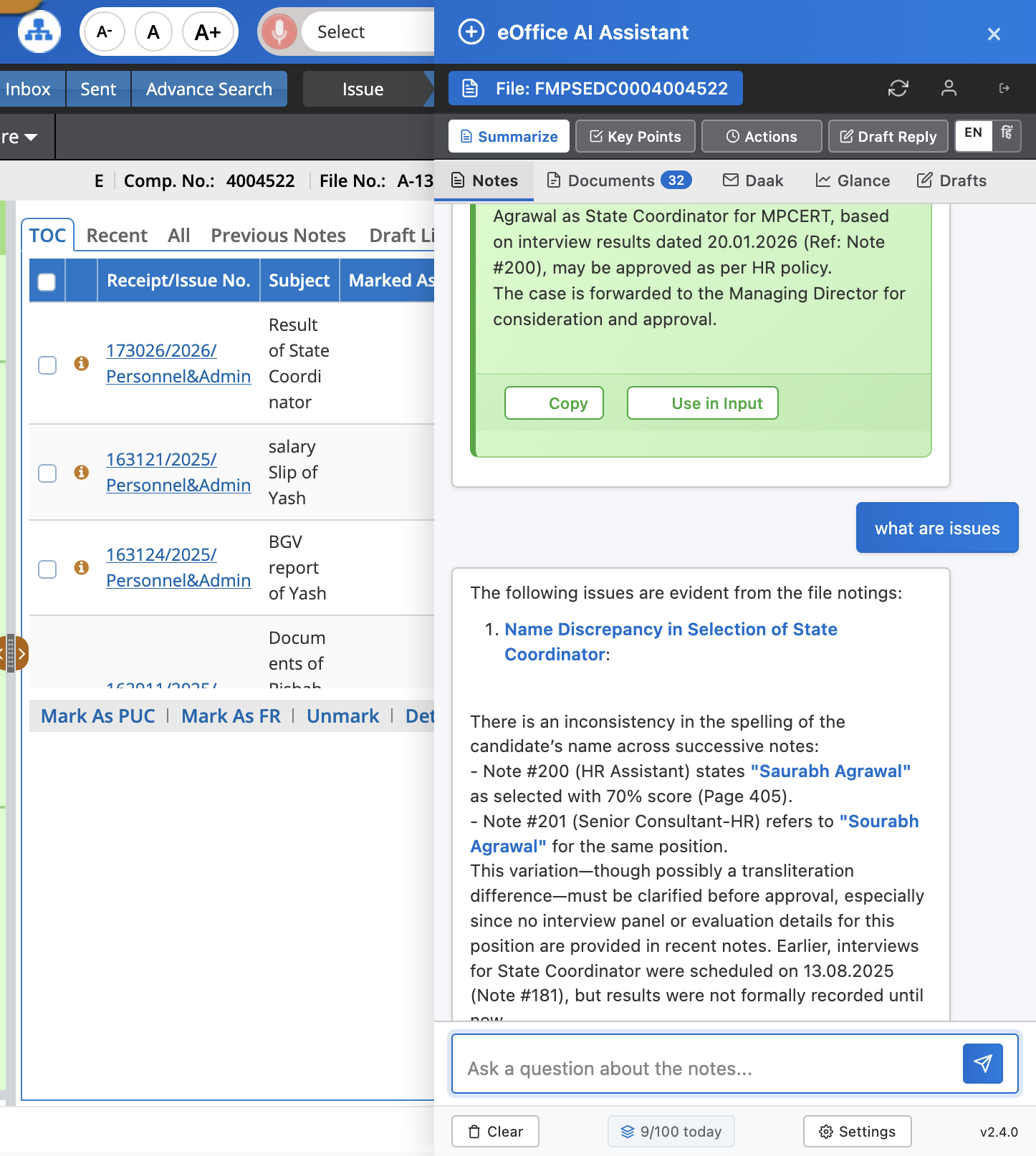
Issue Detection & Follow-up
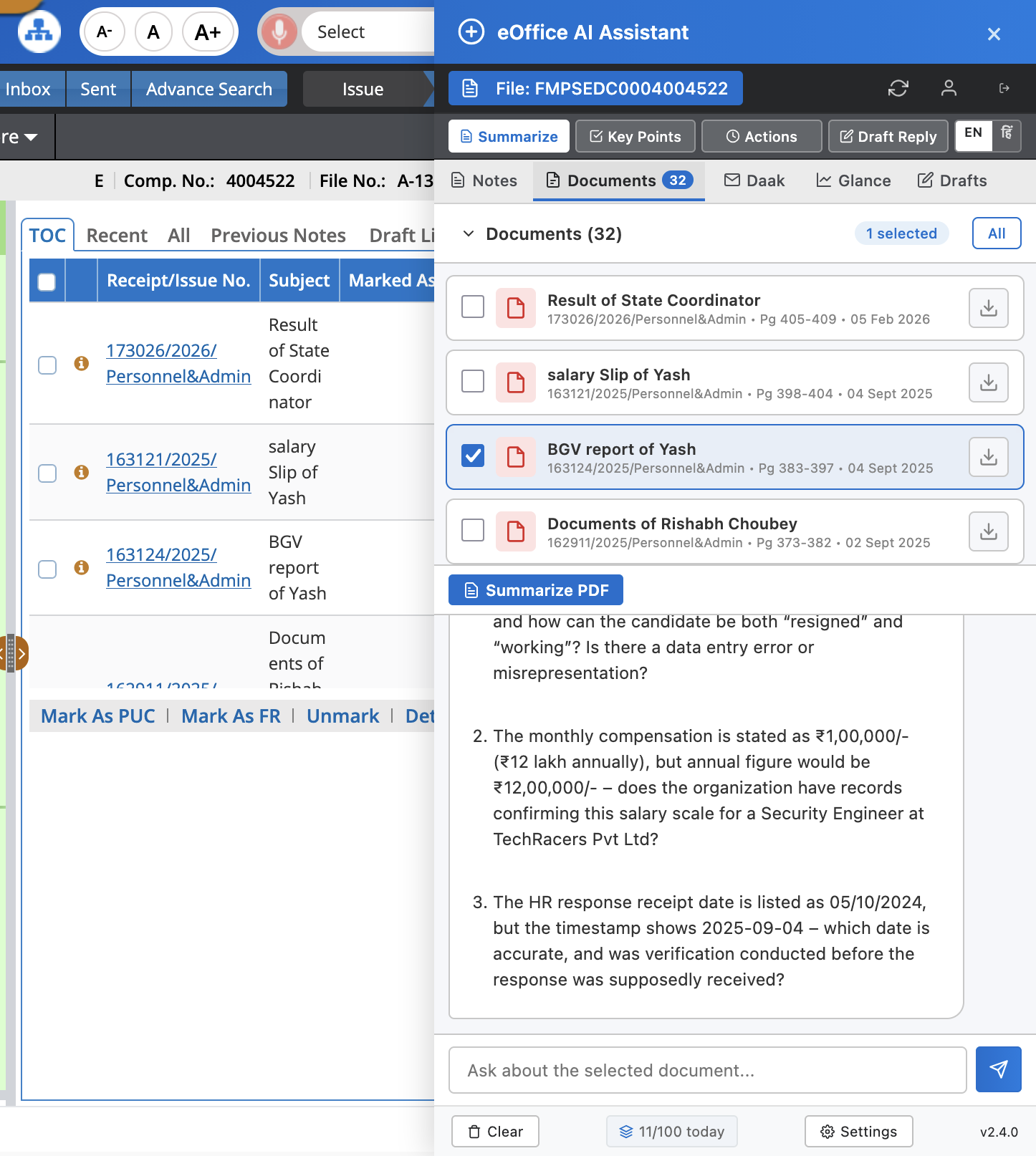
PDF Document Chat
Summarize eOffice file notings, analyze documents, and get instant answers — powered by AI, built for eOffice users across India.
AI capabilities designed specifically for government document processing
Get concise summaries of lengthy file notings with key decisions and action items highlighted.
Upload PDFs and ask questions about their content. Get precise answers with context references.
Respond in English, Hindi, Malayalam, Tamil, Telugu, Bengali, Marathi, Gujarati, and Urdu.
Document content is processed in real-time and never stored on our servers. Your data stays yours.
The Rachayita AI Labs extension integrates directly into your browser
AI Approval Workflow Analysis
Issue Detection & Follow-up
PDF Document Chat
From sign-up to AI-powered document analysis in minutes
Sign up with your government email and wait for administrator approval.
Add the browser extension to Chrome and sign in with your credentials.
Open any eOffice file and use the sidebar to summarize, query, or translate.
Making AI-powered decision support accessible to every government official, transforming how public servants work with documents and data.
Join government professionals using AI to work smarter with eOffice files.
We're here to help you get the most out of Rachayita AI Labs
How do I get started? Sign up with your government email, install the browser extension, and sign in.
Is my data safe? Yes. Document content is processed in real-time and never stored on our servers.
Which browsers are supported? Firefox, Chrome (Chromium-based browsers), Safari, and Safari on iPad.
Which languages are supported? English, Hindi, Malayalam, Tamil, Telugu, Bengali, Marathi, Gujarati, and Urdu.
Read our full Privacy Policy to understand how we handle your data. We are committed to user privacy and data security.
We aim to respond to all support inquiries within 24 hours on business days.